
By MonsterTech.com Team · Published June 20, 2026 · Updated August 23, 2026
Key takeaways
- Cat6 handles most business needs; Cat6A is worth it for specific high-bandwidth or long-life runs.
- Racks, patch panels and labeling turn a bundle of cable into a serviceable system.
- PoE lets one cable power and connect cameras, access points, phones and door hardware.
- Testing and documentation are what prove the work and speed up every future change.
- Spare capacity and clean pathways are the cheapest thing you will ever buy.
Cameras, access points, phones, door readers, displays and point-of-sale terminals all trace back to the same thing: the cable behind the wall. When that infrastructure is done well, everything above it becomes easy to service and expand. When it is not, every future project inherits the problem.
Cat6 and Cat6A: choosing appropriately
For most Orlando businesses, Cat6 covers workstations, access points, cameras and phones comfortably. Cat6A is worth specifying where higher bandwidth is expected over longer runs, in dense equipment areas, or where the building owner wants the longest useful life out of a one-time install.
The decision is rarely all-or-nothing. It is common to run Cat6A to backbone locations and high-demand areas while using Cat6 for general drops, and we make that recommendation based on the building and how long you plan to occupy it.
Network drops planned around how the space is used
Drop locations should follow the floor plan and the workflow: desks, registers, conference rooms, displays, printers, kitchen or shop equipment, entry doors and ceiling positions for wireless coverage.
We also plan drops that are not needed yet. Pulling a spare pair of runs to a wall that may become an office, or to a ceiling that may need another access point, costs very little during the initial install and avoids opening finished walls later.
- Workstation and point-of-sale drops
- Ceiling drops for access points and cameras
- Door hardware, intercom and access control runs
- Display, conference and shop-floor locations
- Spare capacity to likely expansion areas
Racks, patch panels and terminations
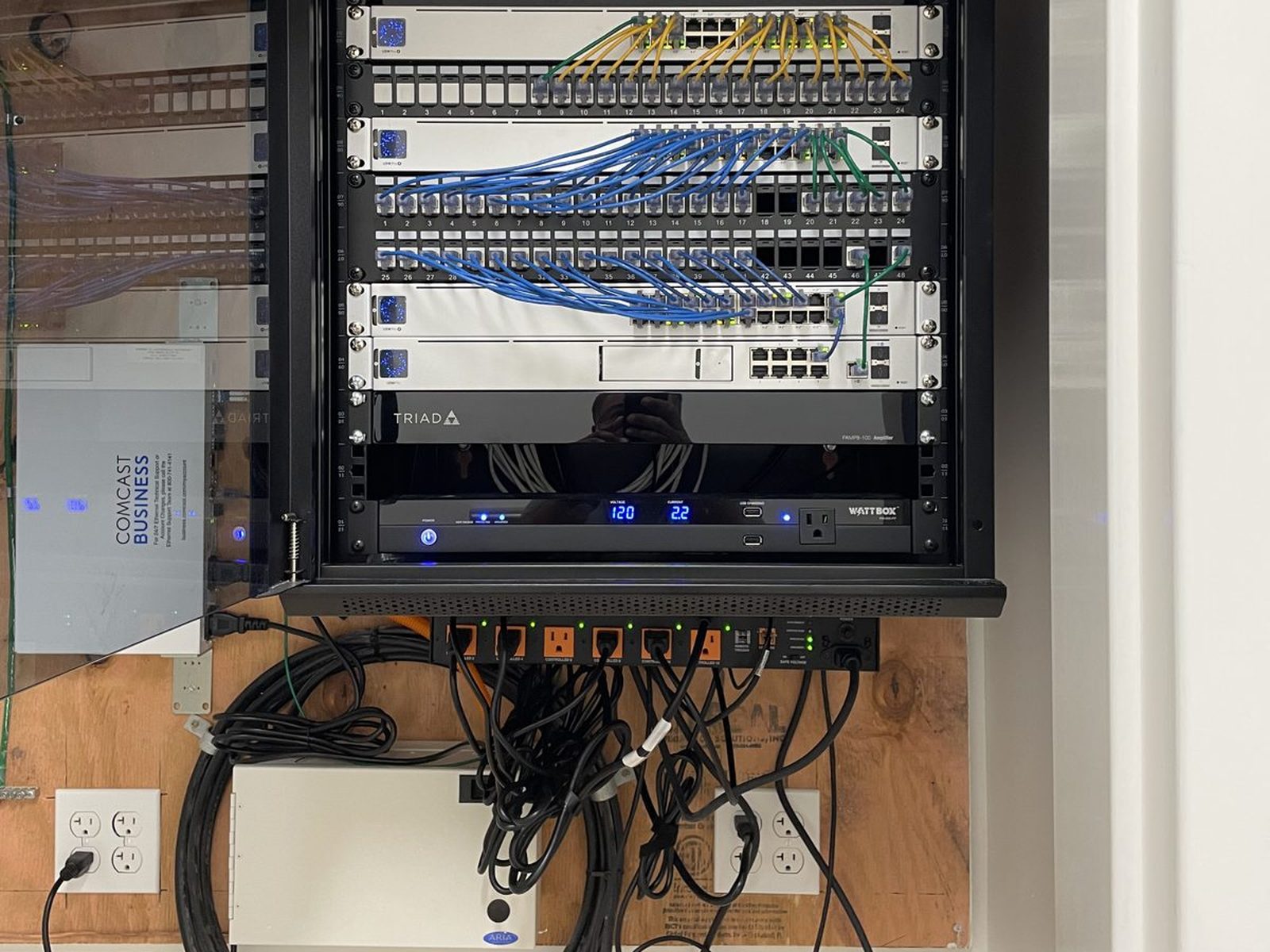
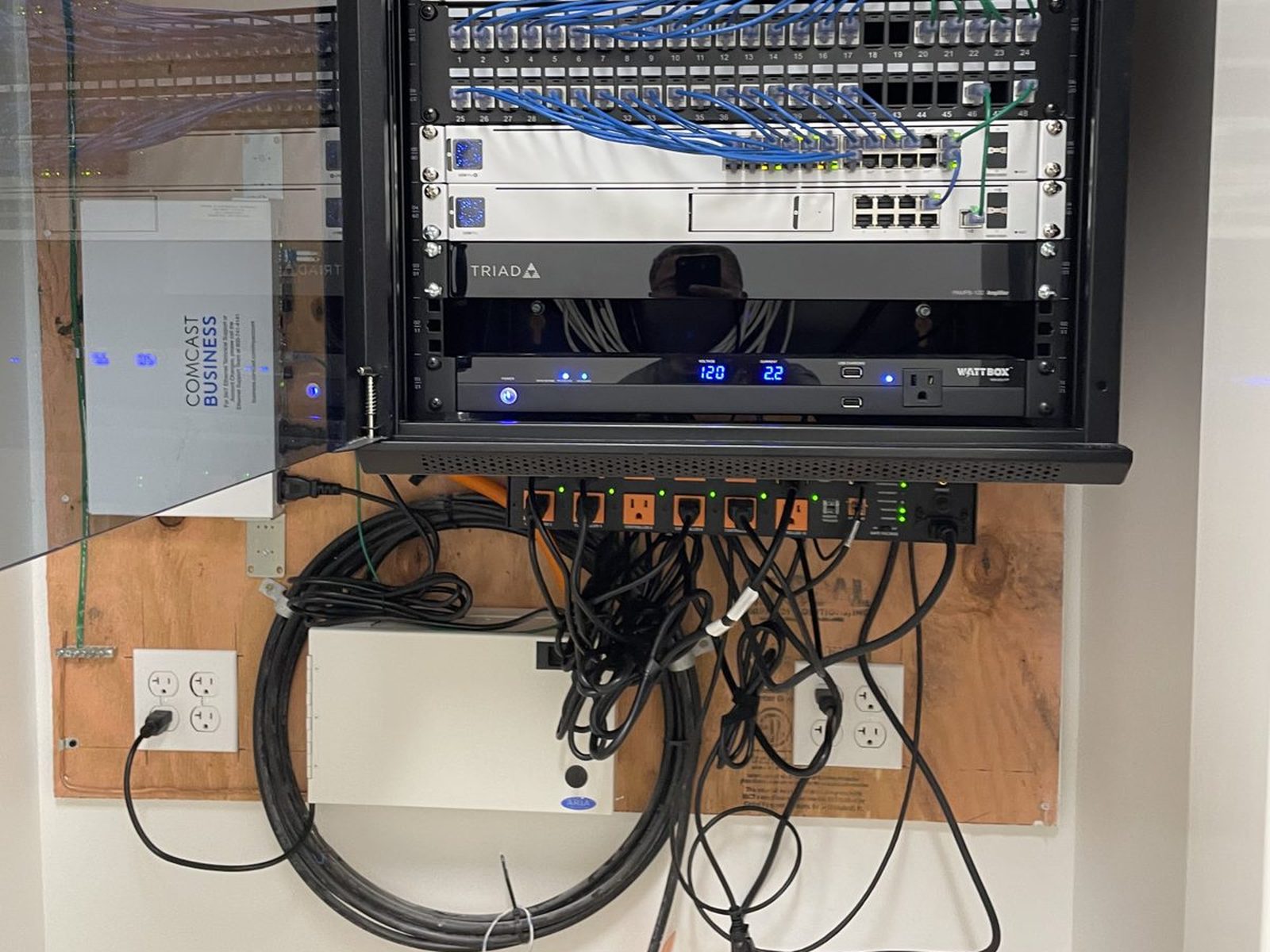
Every run should land on a patch panel in a rack or enclosure rather than terminating directly into equipment. That single practice makes moves, adds and changes a patch cable away, protects the permanent cable from repeated handling, and keeps the equipment area readable.
Rack location matters: secured, ventilated, out of customer areas and with room for the switch, recorder, gateway and battery backup, plus space left over for what comes next.
PoE for cameras, access points and door hardware
Power over Ethernet is why modern commercial installs are so much cleaner than they used to be. Cameras, access points, IP phones and much door hardware take power and data from the same cable, which means no separate power runs at each device and centralized battery backup at the rack.
The tradeoff is planning. PoE has a total power budget per switch and per port class, so device counts and power draw are accounted for before hardware is ordered rather than discovered when the last camera will not come online.
Pathways, supports and organized bundles
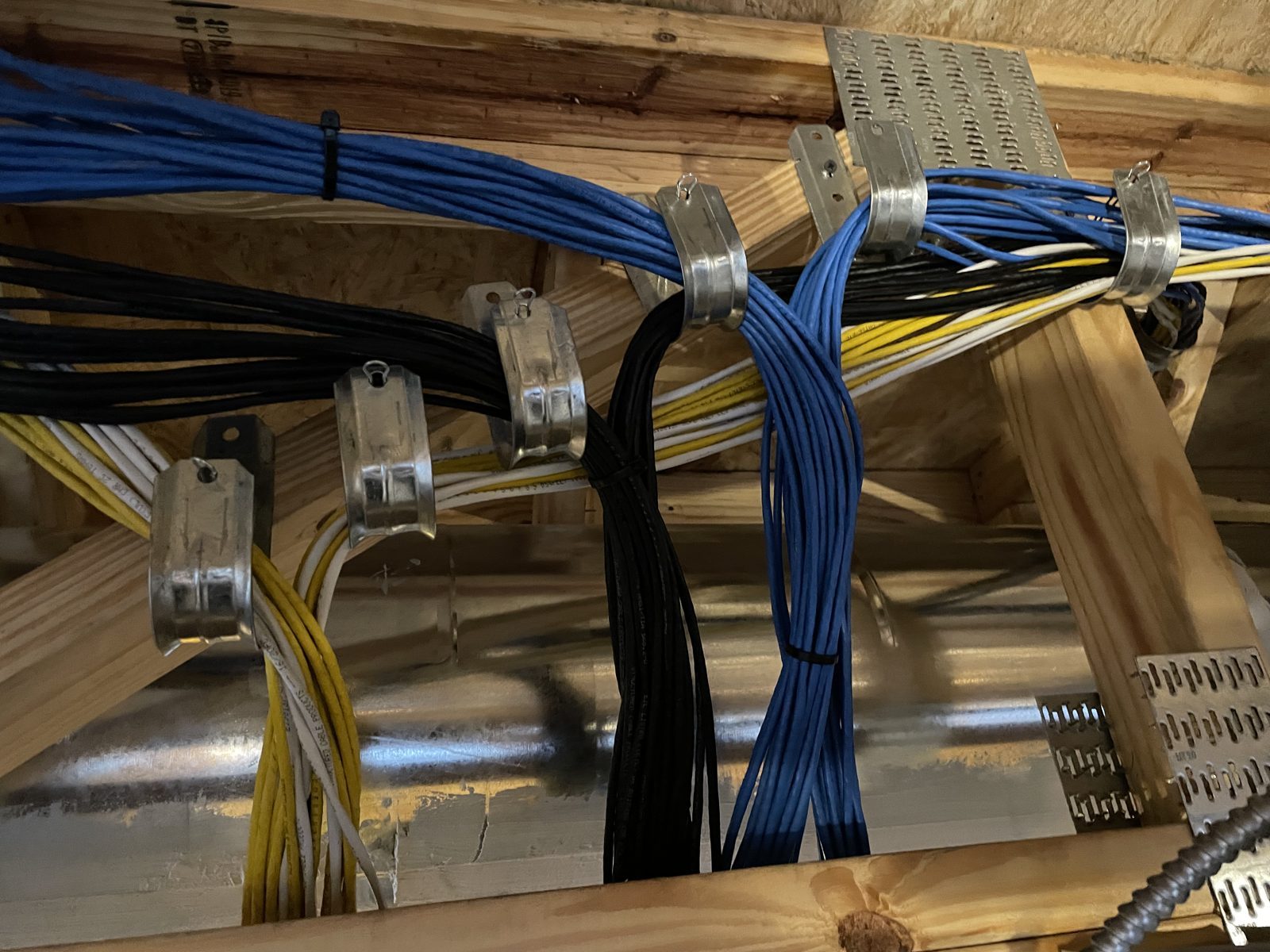
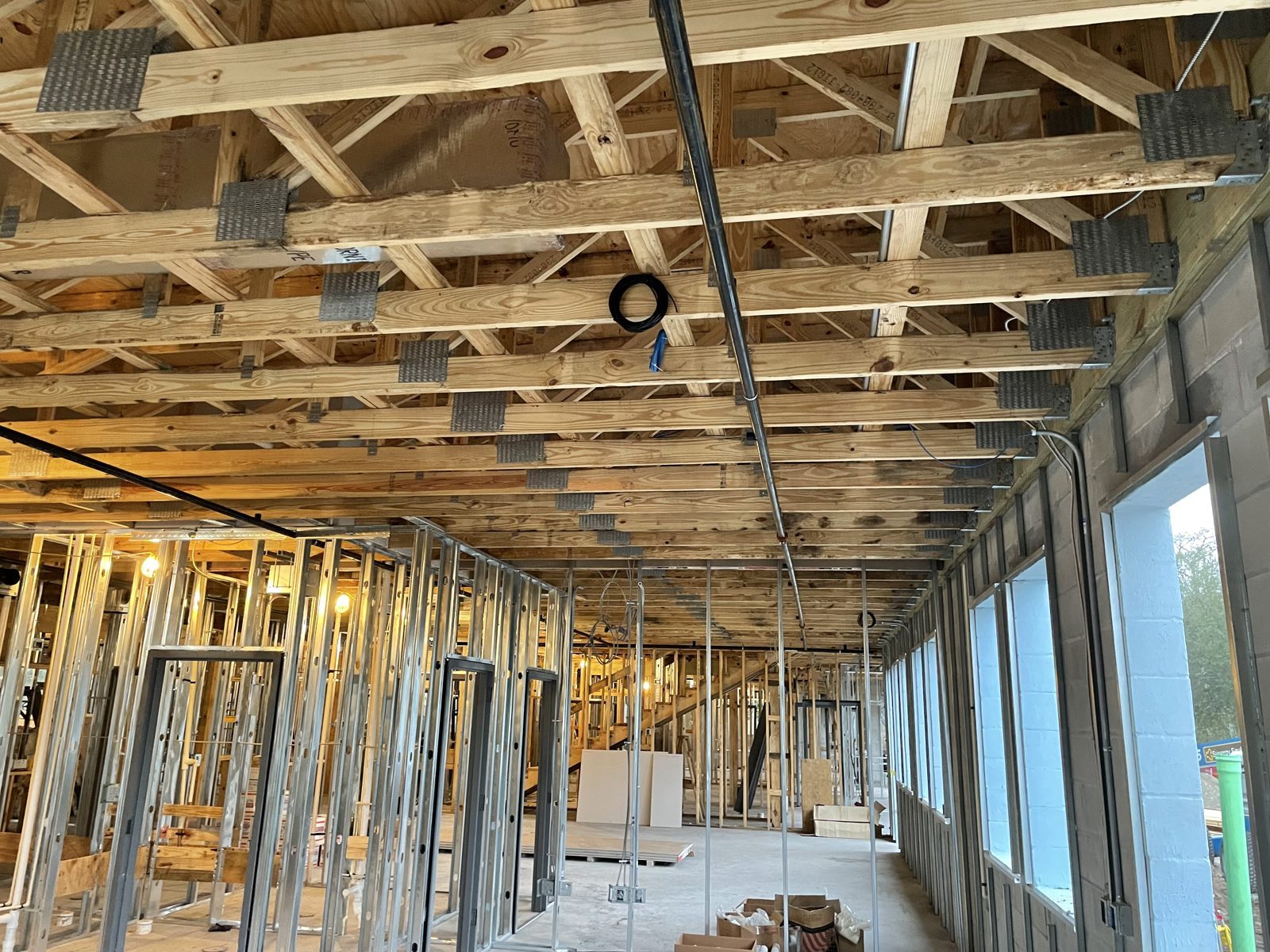
Cable needs a route, not just a destination. J-hooks, cable tray, sleeves and conduit where appropriate keep runs supported, off ceiling grid and out of areas they do not belong. Bundles are dressed and separated from electrical where required.
Good pathways also make growth possible. A supported route with room in it is what turns a future camera addition into a straightforward pull instead of a demolition conversation.
- Supported runs using appropriate hangers and pathways
- Separation from electrical and other building systems as required
- Service loops left at both ends for future changes
- Penetrations sealed and finished properly
Labeling, testing and documentation
Every run gets labeled at both ends and mapped to a port on the patch panel. That is the difference between diagnosing a problem in five minutes and tracing cable through a ceiling.
Runs are tested after termination, and you receive documentation of the installed infrastructure — drop locations, labeling scheme, rack layout and what is connected where. It is your building's record, and it stays useful long after the install.
Installation quality and code considerations
Commercial low-voltage work has real requirements: appropriate cable ratings for the space it passes through, including plenum areas, correct firestopping at rated penetrations, proper support, and coordination with other trades during construction or renovation.
These are high-level considerations, and specifics depend on the building, its occupancy and the authority having jurisdiction. We plan the installation with those requirements in mind and coordinate with your general contractor or electrician when a project calls for it.
Designing for future expansion
The businesses that avoid painful technology projects are the ones whose cabling was installed with room to grow. Spare drops, spare rack units, spare switch ports and pathways that are not already full absorb the next few years of change quietly.
MonsterTech.com has been doing this work in Central Florida since 2002, and installations carry a 1-year workmanship warranty and 30-day installation support.
From our recent installations
Frequently asked questions
- Should we run Cat6 or Cat6A?
- Cat6 covers most business needs. Cat6A is worth specifying for longer high-bandwidth runs, dense equipment areas, or when you want maximum useful life from a one-time install. Many projects use both.
- Can cabling be added to an occupied building?
- Yes. Occupied installs take more planning around ceilings, access and business hours, but they are routine. Rough-in during construction is simply less disruptive when that option exists.
- Do you provide documentation of the installed cabling?
- Yes. You receive labeling and layout documentation for the installed infrastructure so future work does not start with guesswork.