
By MonsterTech.com Team · Published May 14, 2026 · Updated August 23, 2026
Key takeaways
- Commercial IP/PoE cameras are chosen for coverage and evidentiary quality, not headline megapixel numbers.
- Recording capacity, retention and where footage lives are design decisions that should be made before purchase.
- AI person and vehicle detection is valuable mainly because it reduces false alerts and shortens footage review.
- The network and its security are part of the camera system, not a separate project.
- Placement, commissioning and long-term support determine whether the investment performs years from now.
Most business owners do not buy a camera system twice by choice. They buy one, discover it cannot deliver usable footage the one time it matters, and replace it. The difference between those two outcomes is rarely the brand on the camera — it is the design, the network behind it, the recording platform, and who stands behind the installation.
Commercial-grade IP and PoE cameras
Business surveillance in Orlando is built almost entirely on IP cameras powered over Ethernet. A single Cat6 run carries both power and data to each camera, which removes separate power supplies at the camera location, simplifies future service, and allows the entire system to be backed up on one UPS.
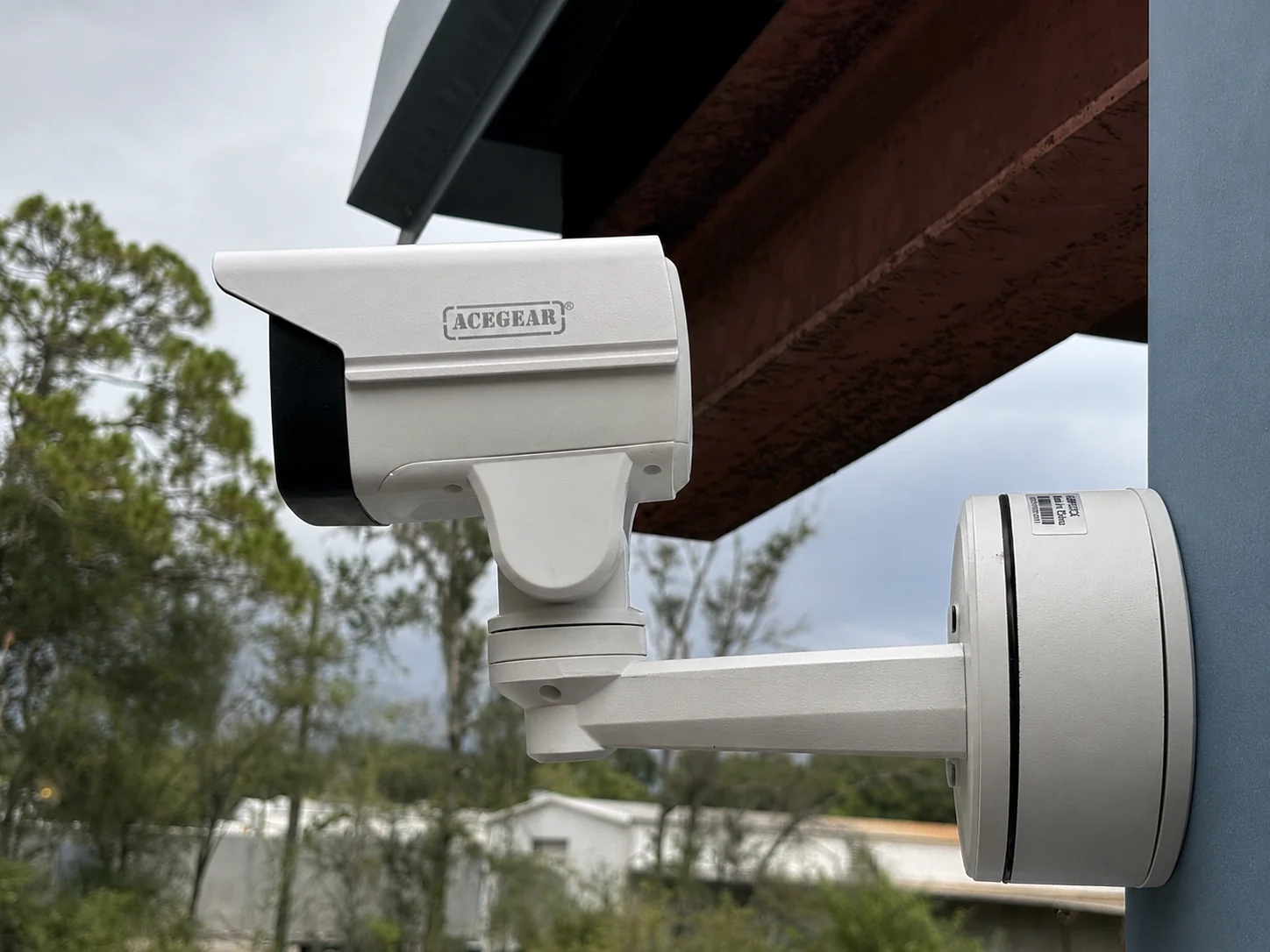
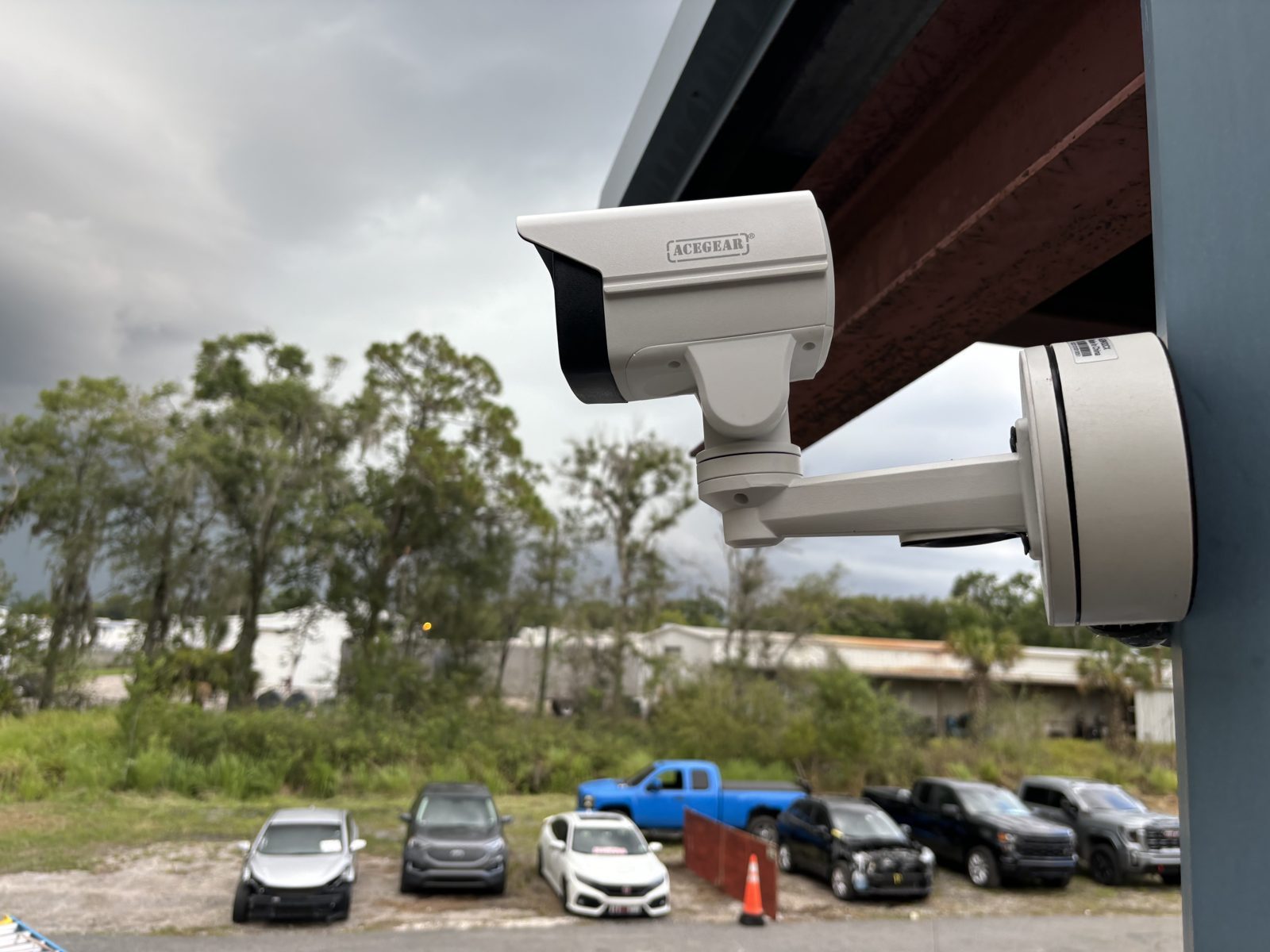
Commercial-grade hardware differs from consumer devices in ways that matter after installation day: metal housings that tolerate Florida heat and driving rain, sealed cable entries, vandal-resistant domes for accessible areas, and firmware that receives ongoing manufacturer support.
- PoE delivery means one cable per camera and centralized backup power
- Weather and impact ratings appropriate to each mounting location
- Consistent firmware and management across the whole camera fleet
- Hardware that can be serviced or replaced without redesigning the system
Recording, retention and storage planning
An NVR is where a camera system becomes evidence. Before selecting one, the practical questions are how many days of footage you need to keep, how many cameras will record continuously versus on motion, and what resolution and frame rate each camera runs at. Those four variables determine storage — and they are far easier to plan than to retrofit.
Many Orlando businesses settle on a retention window driven by how long an incident typically takes to surface: a customer claim, an internal discrepancy, or a police request that arrives weeks later. Insurance requirements and any industry rules that apply to your operation should be part of that conversation as well.
We also plan where the recorder physically lives. A recorder sitting on an open counter is the first thing removed during a break-in. Placing it in a secured space, in a locked rack, with battery backup, is a small decision with a large effect.
Resolution, image quality and low-light performance
Resolution alone does not produce usable footage. What matters is how many pixels land on the area you actually care about — a doorway, a register, a loading dock — at the distance the camera is mounted. A well-placed camera at a moderate resolution routinely outperforms a higher-resolution camera aimed at too wide a scene.
Night performance is where the gap between commercial and consumer hardware is most obvious. Larger sensors, better lenses and thoughtful infrared or low-light modes preserve detail after dark. Existing site lighting is part of the design too: a camera facing a bright parking light can lose everything in the shadow beneath it.
- Match lens and mounting distance to the detail you need, not to a spec sheet
- Plan a mix of overview cameras and closer identification cameras
- Account for headlights, sun angles and parking-lot lighting
- Confirm night performance at the actual mounting position, not in a showroom
AI person and vehicle detection
The practical value of AI detection is not novelty — it is filtering. Systems that distinguish people and vehicles from palm fronds, rain and passing shadows cut down the alerts that train staff to ignore notifications entirely.
The same classification makes review faster. Instead of scrubbing through eight hours of an empty parking lot, staff can jump directly to vehicle or person events inside a time window. For a manager investigating an incident before opening, that is the difference between minutes and an afternoon.
Remote viewing that staff will actually use
Owners and managers expect to see the property from a phone or laptop. That access should be configured deliberately: named user accounts rather than one shared login, permissions that match roles, and no cameras exposed directly to the open internet.
We set up remote access, walk your team through live view, playback and clip export, and make sure the person who will actually pull footage knows how before they need to.
Camera placement is the design
Placement decides what the system is worth. Entrances, points of sale, cash-handling areas, stockrooms, service doors, loading areas and parking approaches are typically prioritized in that order, adjusted to how your building is actually used.
Mounting height is a tradeoff. High mounts survive tampering and cover more ground; lower mounts near entry points capture faces. Most Orlando properties need both, and the layout should be walked on site rather than drawn from an aerial photo.
Network reliability and cybersecurity
A camera system is a networked system. If the switch, cabling or power behind it is weak, the cameras inherit that weakness. We plan PoE budget, switch capacity and uplinks so that adding cameras later does not destabilize what is already running.
Basic security hygiene matters as much as hardware. Default credentials get changed, camera traffic is kept off general guest and staff networks where appropriate, remote access is configured through supported manufacturer methods rather than blanket port forwarding, and firmware is kept current.
- PoE switch capacity sized with headroom for growth
- Cameras segmented from guest and general business traffic where appropriate
- Unique credentials and controlled user accounts
- Battery backup for recorder, switch and network equipment
Scalability: plan for the building you will have
Businesses expand, add a suite, fence a yard, or open a second location. Pathways, conduit, spare cable capacity, rack space and recorder channel count are inexpensive to plan up front and expensive to add later.
Designing with expansion in mind also protects consistency — a second phase that uses the same platform is managed from one interface instead of two disconnected systems.
Don't Choose a Camera by Specifications Alone
Spec sheets are written to win comparisons. They do not tell you whether a camera will be aimed correctly, whether the recorder will hold the footage long enough, whether the lens suits the mounting distance, or whether anyone will answer the phone in eighteen months.
Two properties can install the same camera model and get completely different results. The variables that actually separate them are design, placement, commissioning and support — none of which appear on the box.
Judge a proposal by what it explains: why each camera is where it is, what the recorder retains, how the network is configured, how the system is tested at handoff, and what happens when something needs attention.
- Ask what each camera is specifically intended to capture
- Ask how retention was calculated, not just the drive size
- Ask how the system will be tested and documented at completion
- Ask who supports it and how service requests are handled
Professional installation, configuration and support
Installation quality is what you live with. Cable routed in proper pathways, sealed penetrations, clean terminations, labeled runs, an organized rack and documented configuration all make future service straightforward instead of exploratory.
MonsterTech.com has installed technology for Central Florida homes and businesses since 2002, and our work is backed by a 1-year workmanship warranty and 30-day installation support so the system is dialed in after everyone gets used to it, not just on install day.
From our recent installations
Frequently asked questions
- How long should an Orlando business keep security footage?
- It depends on how long incidents typically take to surface and on any insurance or industry requirements that apply to you. We size storage around the retention window you choose rather than picking a drive first.
- Can commercial cameras be added to an existing system later?
- Usually yes, if the original design left recorder channels, PoE switch capacity and cable pathways available. Planning that headroom up front is what keeps expansion straightforward.
- Do commercial camera systems need their own network?
- Not always a separate physical network, but cameras are commonly kept segmented from guest and general business traffic. The right approach depends on the size of the site and how the network is already built.