
By MonsterTech.com Team · Published June 2, 2026 · Updated August 23, 2026
Key takeaways
- Business Wi-Fi performance is a design outcome, driven by wired backhaul, access point placement and capacity planning.
- Consumer routers and extenders fail predictably once device counts and building size grow.
- Guest and staff traffic should be separated when the business handles payments, records or internal systems.
- Clean racks, labeling, testing and documentation are what make a network serviceable later.
- Ongoing support matters more than the initial equipment decision.
When a business network struggles, the symptoms show up everywhere else first: card readers time out, video calls drop, cloud software stalls, staff blame the internet provider. In most Orlando buildings we walk into, the internet service is fine. The infrastructure distributing it is not.
Design comes before equipment
A commercial network starts with questions about the building and the business: square footage, construction materials, ceiling type, where people and devices actually cluster, what runs on the network, and what happens operationally when it goes down.
Central Florida construction affects this directly. Concrete block, tilt-wall, metal studs, fire-rated corridors and high open ceilings all change how far a signal carries and where access points belong. Two buildings of identical size can require very different designs.
Wired infrastructure is the backbone
Every reliable wireless network is a wired network first. Access points perform well when each one has a dedicated Ethernet run back to a switch. Mesh links and repeaters, which forward traffic wirelessly, are a fallback for buildings where cable genuinely cannot be pulled — not a design goal.
Cabling also serves everything else: cameras, access control, printers, point-of-sale, TVs, conference rooms and workstations. Running that infrastructure once, correctly, is far less disruptive than adding it in pieces around a working business.
- Dedicated Cat6 or Cat6A runs to every access point
- Cable pathways planned around cameras, POS and future drops
- Uplinks sized so one busy area cannot bottleneck the building
- Equipment consolidated in a secured, ventilated location
Business-grade access points and coverage
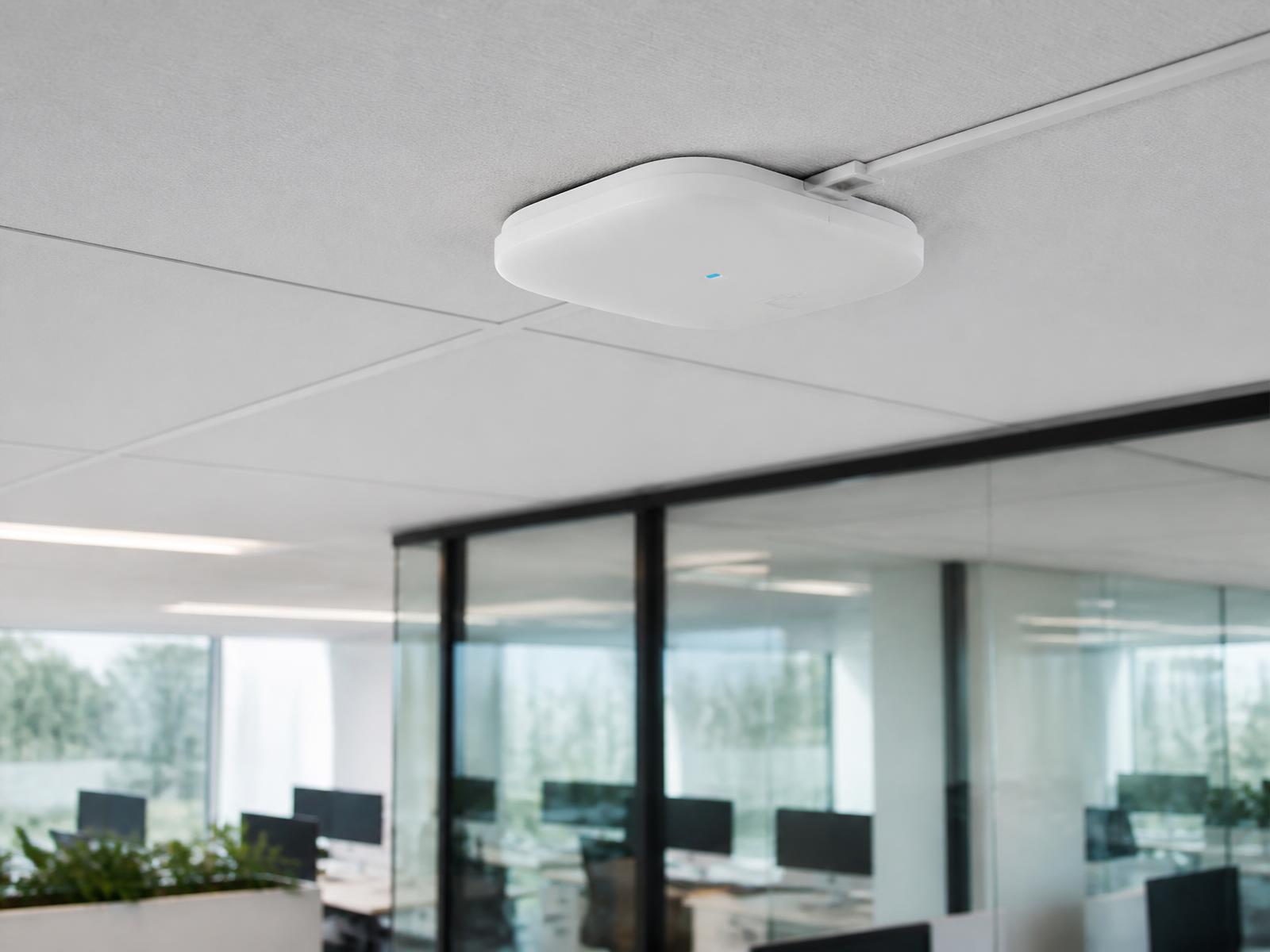
Commercial access points differ from consumer routers in the things a business notices: they hand devices off cleanly as people move, they hold up under many simultaneous connections, they are managed centrally, and they report what is actually happening on the network.
Coverage and capacity are two separate problems. A warehouse may need coverage across distance with few devices. A busy office, clinic or restaurant may need several access points in a small area purely to handle device count. Designing for one while ignoring the other is the most common reason a new network still feels slow.
Switching, PoE and power
PoE switches power access points, cameras, phones and door hardware over the same cable that carries their data. Sizing them means counting ports you need today, ports you will need after the next hire or remodel, and total power budget across every connected device.
Battery backup belongs on the switch, gateway and modem. When power blinks — a routine event during a Florida summer — equipment that restarts cleanly avoids an hour of staff trying to diagnose an outage that already ended.
Guest and staff network separation
When customers, vendors or visitors connect, guest traffic should be separated from the systems your business runs on. That protects point-of-sale, internal file access, cameras and back-office devices, and it lets you limit guest bandwidth so a lobby full of phones does not slow operations.
How far to take segmentation depends on the business. A small office may need one clean separation; a clinic, restaurant group or multi-tenant suite often benefits from more structure. We recommend what fits the operation rather than applying the same template everywhere.
Reliability and scalability
Reliability comes from unglamorous decisions: quality terminations, proper pathways, adequate ventilation, labeled runs, backup power and equipment that is not running at its limit on day one.
Scalability is planned the same way. Spare switch ports, extra conduit capacity, rack space and an addressing scheme with room to grow mean the next camera, access point or department expansion is an afternoon, not a redesign.
- Spare ports and cable capacity built into the initial design
- Central management so new devices join a consistent configuration
- Room in the rack and in the power budget for the next phase
Clean racks, testing and documentation
A tidy rack is not cosmetic. Organized bundles, dressed cable, patch panels and labeled ports mean a fault can be traced in minutes and a change does not risk disturbing an unrelated service.
We test cable runs, verify access point coverage across the areas that matter, and hand over documentation: what is installed, where it runs, how it is labeled and how it is configured. That record belongs to you — including if someone else ever services the system.
Ongoing support
Networks change as the business changes. New staff, new devices, a remodel, a second suite, a software rollout. Having someone who already knows how your network is built shortens every one of those conversations.
MonsterTech.com has served Central Florida since 2002, and installations are backed by a 1-year workmanship warranty and 30-day installation support.
Frequently asked questions
- Why is our business Wi-Fi slow when we pay for fast internet?
- Internet speed is what arrives at the building. Wi-Fi performance depends on how that connection is distributed — access point placement, wired backhaul, switch capacity and device count. Those are usually the limiting factors.
- How many access points does a commercial space need?
- It depends on square footage, construction, ceiling height and how many devices connect at once. A walkthrough of the actual space is the only reliable way to answer it.
- Can we keep our existing internet provider?
- Yes. We design and install the internal network and equipment; your provider continues to deliver the connection to the building.