
By MonsterTech.com Team · Published September 8, 2026
Key takeaways
- Start with what you need to see, not with how many cameras you want.
- Placement, mounting height and viewing angle decide whether footage is usable.
- Wired PoE cameras stay more consistent than Wi-Fi-only cameras for permanent coverage.
- Recording setup and retention time should be planned around how far back you may need to review footage.
- Plan the network as part of the camera system, not after the cameras are chosen.
- A professional design helps identify blind spots that are hard to see on paper.
A security camera system is only as good as the plan behind it. Two properties can use identical cameras and end up with completely different results, because what matters is what each camera sees, how reliably it records, and whether the footage is usable when someone actually needs it. This guide walks through how a camera system gets designed for a home or a business, in the order the decisions should be made.
Start with the property, not the cameras
Before choosing equipment, walk the property the way a stranger would approach it. Where can someone enter without being noticed? Which paths lead to doors, gates, garages, storage, or a loading area? Where do vehicles stop? Which areas are dark after sunset?
For a home, this usually means entries, driveway, garage, side yards and any gate. For a business, it also includes points where money, inventory, equipment or records are handled, plus employee and delivery entrances that are often left off a first draft.
- Map every way onto the property, not just the front door
- Note where people slow down, stop, or make decisions
- Identify what you would need to prove if an incident happened
- Mark the areas that go completely dark at night
Decide what each camera has to accomplish
Cameras do different jobs, and mixing them up is the most common cause of disappointing footage. An overview camera watches a wide area so you can follow what happened. An identification camera covers a narrow area, close in, so a face or a detail is actually recognizable. A deterrent camera is placed where it is clearly visible.
A wide camera mounted high across a large yard will show that someone walked through, but it will rarely give you a usable face. That is not a hardware failure; it is a design choice. Good systems combine both, with tight coverage where people have to pass close by, such as a front door, gate, register area or back entrance.
Camera placement and coverage
Placement determines value. Mount too high and you record the tops of heads. Mount too low and the camera is easy to reach or block. Aim into a bright sky or a west-facing wall and the image washes out at the worst time of day. Point through a window from inside and you fight glare and reflections at night.
Coverage should overlap. Cameras that each cover their own isolated area leave gaps between them, and gaps are where movement disappears. Overlapping fields of view let you follow a person continuously from the street to the door instead of guessing what happened between two clips.
- Cover approach paths, not just the destination
- Keep identification cameras low enough to capture faces
- Avoid aiming directly into sunrise, sunset or bright lighting
- Overlap views to minimize gaps between cameras
- Watch for landscaping that will grow into the shot next season
Indoor versus outdoor considerations
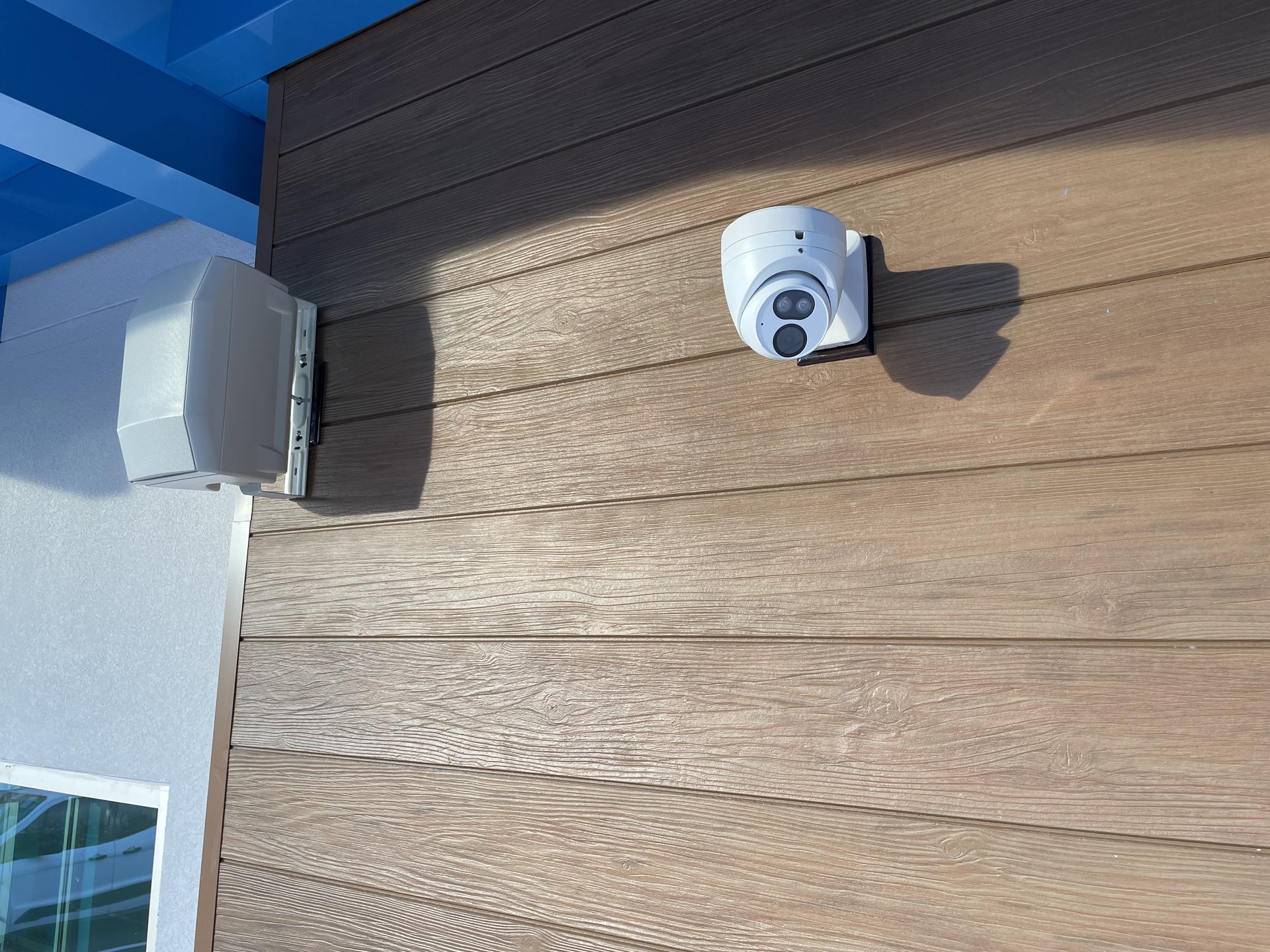
Outdoor cameras in Central Florida deal with heat, humidity, driving rain, insects and salt-laden air. That means weather-rated housings, properly sealed connections, protected cable entry points and mounting locations that are not exposed to constant water intrusion. Cameras placed under an overhang or soffit are typically easier to keep clean and can be better protected from weather exposure and spider webs that may trigger motion events.
Indoors, the questions change. You are working around privacy expectations, lighting that goes fully dark at night, ceiling type and sight lines through doorways. In a business, indoor cameras are usually placed to cover transactions, entries and storage areas rather than to monitor people at work.
Why wired and PoE coverage is more dependable
Many permanent camera systems are wired using Power over Ethernet, which carries both power and data on a single cable to each camera. One cable per camera means no separate outlet, a stable connection, and a camera that is not competing with phones, TVs and laptops for wireless bandwidth.
Wireless cameras have a place, especially where running cable is impractical or when a tenant cannot make permanent changes. But for coverage you intend to rely on for years, a wired camera is more consistent: it does not drop off the network when the router reboots or when Wi-Fi coverage weakens at the far corner of the property.
- One cable per camera for power and video
- Not affected by weak Wi-Fi at the edges of the property
- Easier to troubleshoot because each camera has its own run
- Cable can be added after construction when a builder did not pre-wire
Recording options: NVR, storage and retention
Cameras capture; the recorder keeps. A network video recorder stores footage on site, which keeps recording even if internet service goes down. Cloud recording keeps a copy off site, which protects footage if the recorder itself is stolen or damaged. Many properties use both, with local recording as the primary source.
How long footage is kept depends on how many cameras there are, the resolution and frame rate, how much motion each camera sees, and the drive capacity. Retention is a decision, not an accident: some incidents are not discovered for days or weeks, so a system that only holds a few days of footage can be useless after the fact. Businesses often need a longer window than homes, and some also need to control who can review or export footage.
- On-site recording keeps working during an internet outage
- Off-site copies protect against theft or damage to the recorder
- Higher resolution and more cameras shorten retention on the same drive
- Decide up front how many days of history you want to keep
Remote viewing and daily use
Remote viewing on a phone or computer is what most people use every day: checking a delivery, seeing who is at a gate, verifying that a business closed properly. For that to work smoothly, the network behind the cameras has to be solid, because a camera system pushing video out to the internet is only as reliable as the connection carrying it.
The other half of daily use is notifications. Cameras that alert on every passing car and swaying palm quickly get ignored, which defeats the point. Tuning motion zones and sensitivity so alerts mean something is part of setting a system up properly, not an afterthought.
Image quality, night visibility and blind spots
Resolution is only one part of image quality. Lens choice and mounting distance determine how much detail lands on the part of the scene you care about, and scenes with a bright background and a shaded foreground need cameras that handle strong contrast well. At night, cameras may rely on infrared or available lighting; in the right situation, well-placed exterior lighting can significantly improve usable footage.
Blind spots are the quiet failure. They appear behind a column, under a camera's own mounting point, along a fence line nobody walked during the design, or in the corner a wide lens cuts off. They are much easier to find by physically walking the property and reviewing live views during setup than by drawing arrows on a site plan.
- Match lens coverage to the distance you actually need detail at
- Expect strong contrast around glass doors and west-facing walls
- Improve exterior lighting where night footage matters most
- Verify coverage on screen, camera by camera, before finishing
Why professional design and installation matter
The parts of a camera system that decide whether it helps you are the parts that are hardest to judge from a product page: where each camera goes, what lens covers that view, how cable is routed and protected, how the recorder is configured, and how footage is retained and retrieved. Those choices are made once and lived with for years.
Professional installation also covers the practical side: clean cable paths through walls, attics and soffits, connections that hold up in Florida weather, equipment mounted where it can be serviced, and a walkthrough so you can actually use the system. For a business there is more to coordinate, from network infrastructure to who has access to recorded video.
How MonsterTech.com approaches a camera project
Every project starts with a conversation about the property and what you need to see, then a walkthrough to confirm coverage, mounting locations and cable routes. Equipment is chosen to fit that plan, not the other way around. Once installed, the system is verified camera by camera and handed over with training on live viewing, playback and alerts.
MonsterTech.com has served Central Florida since 2002, working on everything from single-family homes to commercial properties, and camera work is often combined with networking, access control or gate entry when a property needs more than cameras alone.
Frequently asked questions
- How many security cameras does a property need?
- There is no fixed number. It depends on how many ways there are onto the property, which areas need identification-level detail, and what you want to be able to review after an incident. A walkthrough of the property is the fastest way to get an accurate answer.
- Are wired cameras better than wireless cameras?
- For permanent coverage, wired PoE cameras are generally more dependable because each camera has its own cable for power and data and does not depend on wireless coverage. Wireless cameras are useful where running cable is impractical.
- Do security cameras keep recording if the internet goes out?
- A system with a local recorder (NVR) can continue recording during an internet outage. Remote viewing and cloud-dependent features may be temporarily unavailable until the internet connection returns.
- How long is footage kept?
- Retention depends on camera count, resolution, how much motion each camera sees and the storage capacity of the recorder. It is a decision made during design, and it is worth setting it based on how quickly incidents are usually noticed at your property.
- Can cameras be added to a home that was not pre-wired?
- Yes. Cabling can be routed after construction through attics, soffits, walls and exterior paths. It takes more planning than pre-wiring during a build, but it is common work on existing homes and businesses.