
By MonsterTech.com Team · Published October 6, 2026
Key takeaways
- Start with what you are trying to protect or prove, not with a camera count.
- Modern analog HD systems exist, but IP/PoE is generally the better choice for new installations and future expansion.
- Wired cameras are more dependable than wireless for permanent coverage.
- Resolution matters less than lens choice, mounting placement and lighting.
- Recording, storage and retention are system decisions, not just camera decisions.
- Homes and businesses have different coverage priorities; plan for both now and later.
Every camera system looks capable on a product page, but the right system for your property is the one that matches what you are trying to see, prove, or prevent. This article walks through the practical choices that separate a useful system from one that looks good but misses the important moments.
Start with the security goal, not the spec sheet
Before comparing cameras, write down what the system has to do for you. A homeowner may want to see who is at the door, check on a gate, and have usable footage if something happens at night. A business may need to cover registers, inventory, employee entries and parking, with clear enough video to identify a person or incident.
The goal decides the camera count, the lens, the mounting height and where the recorder goes. Buying the highest-resolution camera available and pointing it at the wrong scene is still the wrong camera.
IP/PoE vs. analog: what the terminology means
Most modern systems are IP cameras, which send digital video over a network cable. PoE, or Power over Ethernet, means the same cable carries both power and data, so one wire runs to each camera and connects back to a recorder or network switch. IP cameras are the current standard because they are easier to expand, integrate with recorders and deliver higher-quality streams.
Analog is not automatically low resolution. Modern analog HD systems can produce good image quality over existing coaxial cable, which makes them a reasonable option when a building already has coax in place or an existing recorder is being kept. For new installations and for properties that expect to add cameras later, IP/PoE is generally the better choice because it is easier to expand and integrates more readily with modern recorders and network equipment.
- IP cameras use one network cable for power and video
- Resolution and feature options are broader on IP systems
- Modern analog HD can be a practical upgrade path where coax already exists
- New construction and most retrofits should default to IP/PoE
Wired reliability for permanent coverage
Wireless cameras are convenient when running cable is truly impractical, but they depend on Wi-Fi coverage, router performance and local interference. A camera at the far end of a property is often the same place the Wi-Fi signal is weakest, which creates the exact problem you are trying to solve.
Wired cameras give each camera a dedicated, consistent connection back to the recorder, draw steady power and do not compete with phones, laptops and TVs for wireless bandwidth. Outdoor wired connections can also be weather-sealed properly at the camera, which is worth doing carefully in Central Florida conditions.
Image quality and resolution in practical terms
Higher resolution is useful, but only when the camera is close enough and the lens is wide enough to capture the detail. A 4K camera pointed at a driveway from fifty feet away may produce a beautiful image of a car, but still not a usable face. A lower-resolution camera mounted closer to an entry often delivers better identification footage.
What matters is pixels on target: how much of the image sensor is occupied by the thing you need to see. A narrow lens and the right mounting distance give you more usable detail than raw resolution alone. Also consider how well the camera handles strong contrast, such as a shaded entry with a bright background behind it.
- Resolution helps, but placement and distance matter more
- Identification requires the subject to fill enough of the frame
- Strong sunlight behind a door can wash out the scene
- Test the camera view live before the installation is finished
Lens and field of view
A wide lens covers a large area but makes people appear smaller. A narrow lens shows detail at a distance but misses what happens outside the frame. Most systems need a mix: wide cameras for overview and tighter cameras for identification at the points where people must pass close by.
Fixed lenses are simpler and less expensive. Varifocal lenses let the installer adjust the view during setup. Motorized varifocal lenses can even be adjusted remotely after installation. For a home or small business, a professional installer can choose the right lens for each location instead of using the same camera everywhere.
Indoor and outdoor camera selection
Outdoor cameras need housings rated for rain, humidity, heat and dust, and Central Florida weather makes that rating worth checking on the spec sheet rather than assuming it. Indoor cameras are chosen for coverage and discretion instead of weather sealing, which usually means smaller housings and different lens options.
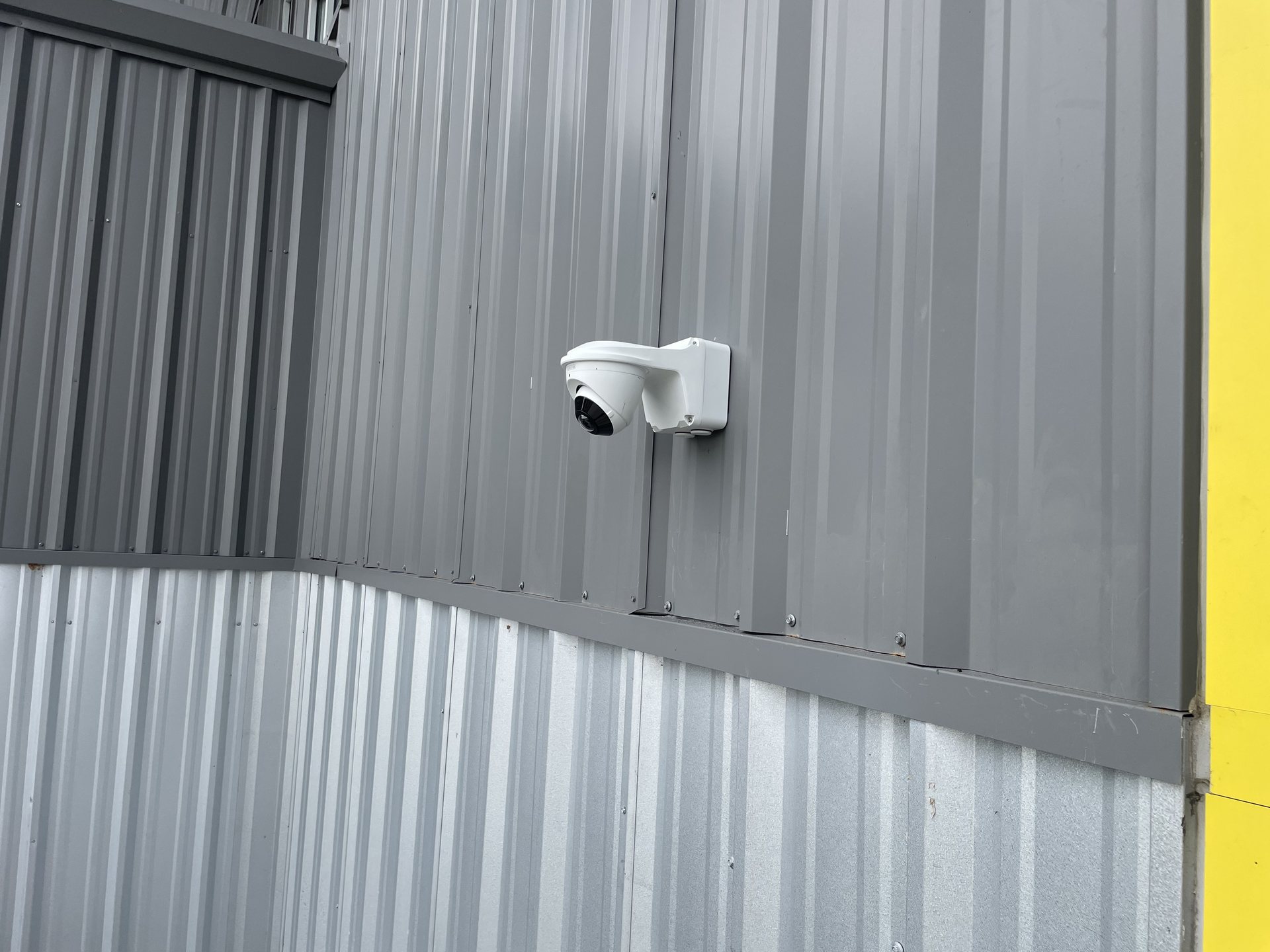
Camera form factor matters as much as the rating. Turret and dome cameras are common for entries and interior areas, while bullet cameras are often used where a longer, narrower view is needed. The right body style depends on the mounting surface, the view and how visible you want the camera to be.
Night visibility and lighting
Night performance is not just about infrared range. A camera that relies on infrared in a completely dark area will give you black-and-white footage that may not be sharp enough for identification. Good exterior lighting can significantly improve usable nighttime footage, depending on the camera, placement, and conditions.
Look at the actual scene after dark before deciding the camera is sufficient. Check for glare from glass, reflections from wet pavement, and shadows created by landscaping. Sometimes the right lighting adjustment is the missing piece of a good camera design.
Recording, storage and retention
The recorder is what turns live cameras into usable evidence. An NVR on site keeps recording even if the internet is down and gives you fast local playback. Cloud recording keeps a copy off site, which protects footage if the recorder itself is damaged or stolen. Many systems use both: local recording as the primary source and cloud as a backup.
Retention time depends on camera count, resolution, frame rate and motion activity. A busy camera with high resolution fills storage faster than a quiet camera at a lower setting. Think about how quickly you typically notice an incident at your property and choose storage that covers that window with room to spare.
- Local recording keeps working during internet outages
- Cloud copies protect against recorder theft or damage
- More cameras and higher resolution shorten retention on the same drive
- Retention should cover the time it takes you to notice an incident
Remote viewing and mobile access
Remote viewing is the feature most people use daily: checking deliveries, seeing who is at a gate, or confirming a business closed properly. For that to work well, the network behind the cameras must be solid. A camera system pushing video to your phone depends on good upload bandwidth at the property and a reliable network inside it.
Mobile access is useful when it is simple. Complicated apps, slow logins and unreliable connections make the system less useful over time. A good installation includes testing remote viewing from the actual phones the owner will use.
Detection and notification features
Modern cameras can detect motion, define activity zones, and send alerts to a phone. Those features help when they are tuned to the property. A camera that sends an alert for every car, every shadow, and every swaying branch will quickly be ignored.
Useful features include motion zones that ignore public sidewalks, schedules that turn alerts off during business hours, and sensitivity settings that match the camera's view. Some systems can distinguish people from vehicles. The value of these features depends on how well they are configured, not on how many the box lists.
Planning for future cameras
Start with what you need now, but choose equipment that can grow. A recorder with open channels, a network switch with spare ports, and cable runs planned for expansion all make it inexpensive to add a camera later. The cheapest way to grow is usually to plan the infrastructure for it on day one.
Expansion is common. A homeowner may add a pool camera later. A business may add coverage for a new storage area or delivery door. Choosing a system that can absorb those additions without replacing the core hardware saves money and avoids rework.
Homes vs. businesses: different priorities
Homeowners usually care about entry points, driveways, gates, garages, and the backyard or pool area. They want simple remote viewing, reliable alerts, and enough retention to check on something that happened overnight. Aesthetic placement and minimal visible cabling are often important.
Businesses usually care about more coverage points, longer retention, controlled access to recorded footage, and integration with alarms or access control. They may also need to cover registers, safes, stockrooms, loading areas, employee entrances and parking. The system has to support more users, more cameras and more rigorous review workflows.
How MonsterTech.com helps you choose
MonsterTech.com starts with a conversation about the property and what you need to see. After a walkthrough, we recommend a camera count, camera types, lens choices, recorder size and storage plan based on the actual layout, not a generic package. Installations are wired cleanly, verified camera by camera, and handed over with training on live viewing, playback and alerts.
Serving Central Florida since 2002, MonsterTech.com has designed systems for homes, businesses, schools and commercial properties across the region. If you are comparing options and want a professional recommendation before committing to equipment, we can help you choose the right system the first time.
Frequently asked questions
- What is the difference between IP and analog security cameras?
- IP cameras send digital video over network cable and usually use PoE for power, which makes them easier to expand and integrate. Modern analog HD systems run over coaxial cable and can still deliver good image quality, so they are worth considering when usable coax is already in place. For new installations, IP/PoE is generally the better long-term choice.
- How much camera resolution do I really need?
- Enough to capture the detail you actually need at the distance the camera is mounted. A higher-resolution camera pointed too far away or at too wide an angle may still fail to identify a face. Placement and lens choice matter as much as resolution.
- Can I start with a few cameras and add more later?
- Yes. Planning the recorder, network and cabling for expansion makes it straightforward and inexpensive to add cameras later. The most important part is choosing a core system that can grow without being replaced.
- Do I need local recording or cloud recording?
- Local recording with an NVR keeps working during internet outages and gives fast playback. Cloud recording protects footage if the recorder is damaged or stolen. Many properties use both, with local recording as the primary source and cloud as a backup.
- What camera features are actually worth paying for?
- Motion zones, reliable alerts, usable night vision, weather-rated outdoor housings, and remote viewing that works smoothly. Features are only useful if they are tuned to your property. A basic camera in the right place usually outperforms an advanced camera in the wrong place.